Recent Updates
1563: Understanding Transgender Identity and Workplace Inclusion with Wendy Cole
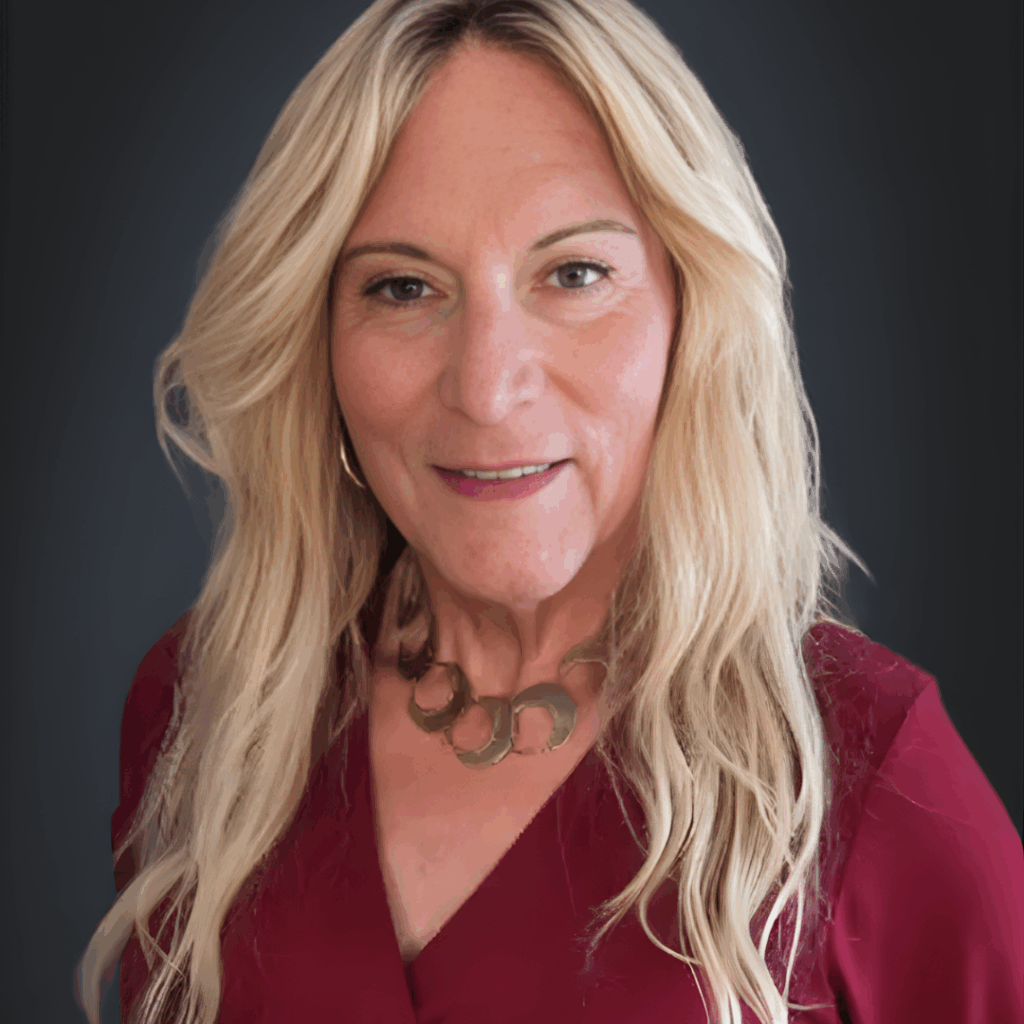
From childhood repression and medical gatekeeping to living authentically and educating others, Wendy Cole has walked the transgender journey in a way few have and she’s turned that lived experience into a powerful force for change. As a gender diversity consultant, speaker, and co‑host of the podcast Demystifying the Transgender Journey, Wendy helps organizations, communities, and leaders understand what it really means to be born transgender and how to create environments where everyone can belong.
In this episode, you’ll hear how early rejection and threats of institutionalization shaped Wendy’s life, what finally made transition possible in her 60s, and why she believes gender is “between the ears, not the legs.” You’ll learn how clear, compassionate education can replace fear with understanding, why focusing on the “60% in the middle” creates the biggest social impact, and how organizations can better support transgender and LGBTQ+ employees, customers, and community members.
Quotes:
“Gender is between the ears, not the legs your body is just the costume, not the character.” – Wendy Cole
“I didn’t transition to become someone else; I transitioned so the world could finally see who I’ve always been.” – Wendy Cole
“The most radical act a transgender person can take isn’t changing their body; it’s refusing to be ashamed of who they are.” – Wendy Cole
Resources:
- Empower Your Organization with Gender Diversity Training
- Connect with Wendy Cole on LinkedIn
- Follow Wendy Cole on Instagram
- Wendy Cole on Facebook
Podcast: Play in new window | Download (Duration: 46:21 — 63.7MB) | Embed
Subscribe: Apple Podcasts | Spotify | Amazon Music | iHeartRadio | Podchaser | RSS
1562: After-Sales Excellence Driving Customer Growth with Nigel Woodall
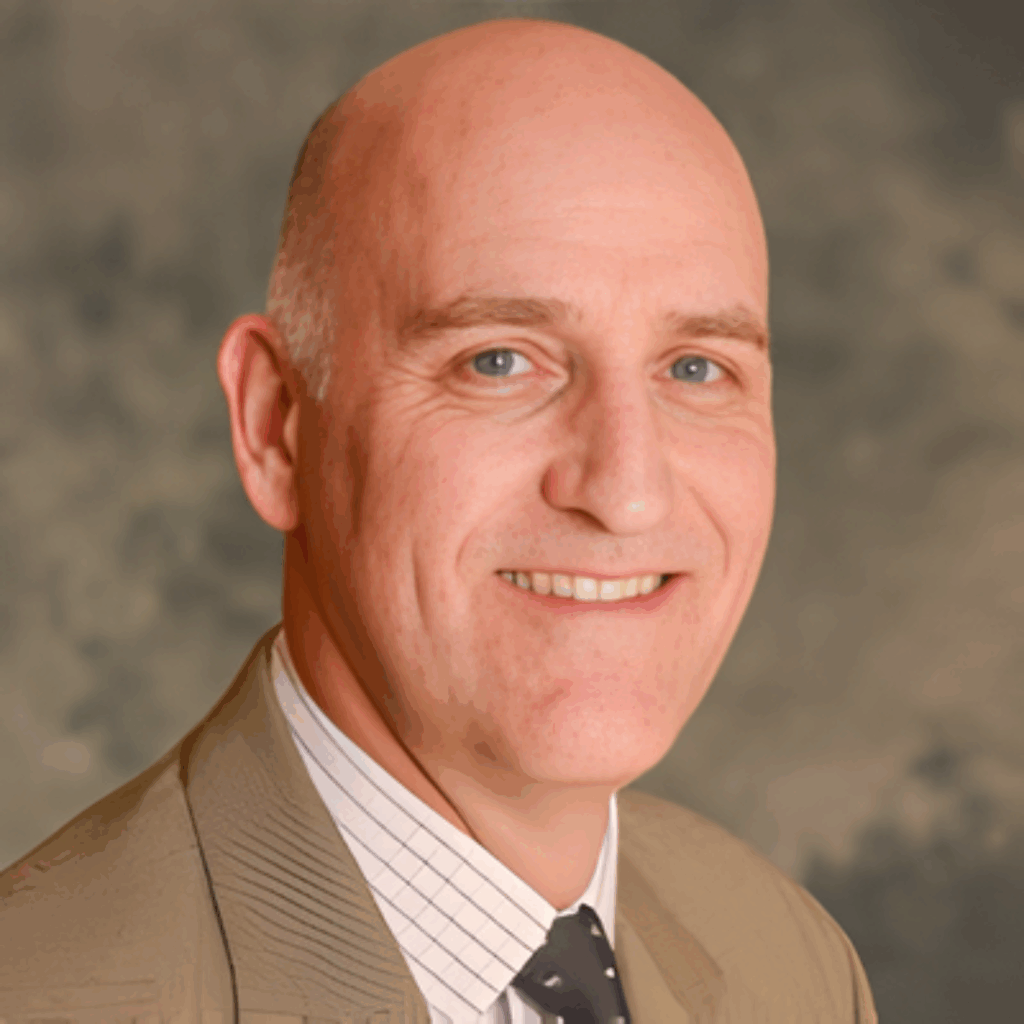
In this episode, you’ll hear why most companies obsess over new customers while quietly losing profitable existing ones, how to build simple after-sales processes that don’t require massive new budgets, and why empathy and listening are still the most powerful “technology” in your business. Nigel also shares common recurring mistakes he sees in SMEs like deleting unhandled inquiries every day and how a few low-cost changes can dramatically improve retention, margins, and morale.
If you’re a founder, owner, or leader at a small or medium-sized business who feels things are “not performing as well as they should,” this episode will show you how to plug the leaks, protect your revenue, and make after sales a core part of your growth strategy instead of an overlooked niche.
Quotes:
“You don’t need more leads“After sales isn’t a niche it’s the moment every customer decides whether to stay or leave.” – Nigel Woodall
“If you’re deleting inquiries, you’re deleting revenue and training customers to buy from someone else.” – Nigel Woodall
''You need to stop throwing today’s opportunities in the bin.” – Nigel Woodall
Resources:
Podcast: Play in new window | Download (Duration: 29:01 — 39.8MB) | Embed
Subscribe: Apple Podcasts | Spotify | Amazon Music | iHeartRadio | Podchaser | RSS
1561: Create New Retirement Income Locating Unclaimed Assets with David Church
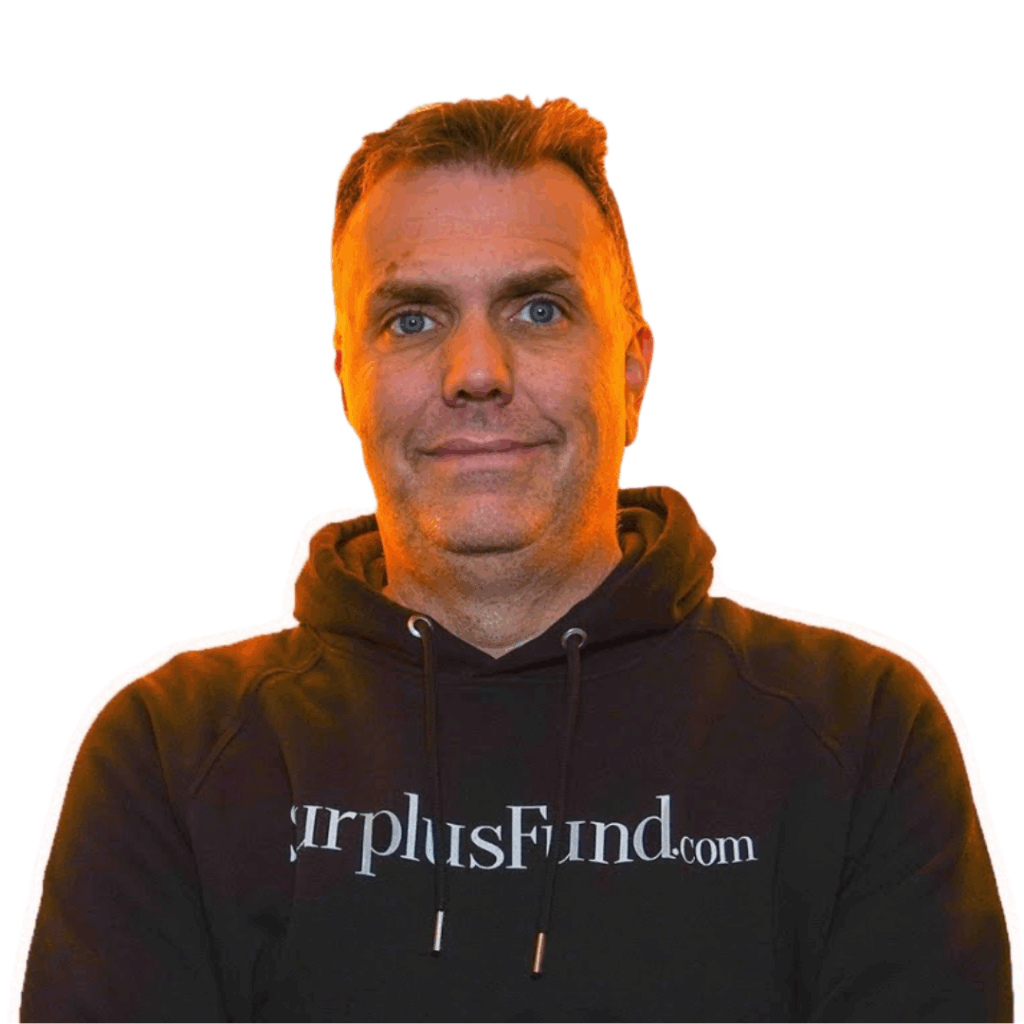
From recovering $71 million in “forgotten” money to turning everyday workers into six‑figure earners, David Church is the guy people call when they’ve hit a financial wall and need a real alternative to traditional retirement plans and side hustles. As the founder of Surplus Institute, David teaches a simple, repeatable system for locating surplus and unclaimed funds often tens or hundreds of thousands of dollars that rightfully belong to homeowners and everyday citizens, but are trapped behind red tape and confusing government processes.
You’ll hear how David helps over 50 and especially over 60 professionals replace their income, why banks and governments have little incentive to push this money back to its owners, and how you can build a business helping people claim what’s theirs without needing prior real estate or legal experience.
Quotes:
“Clarity turns hidden money into real money.” – David Church
“Follow up is where the big checks live.” – David Church
“Learn one market, master one system, replace your income.” – David Church
Resources:
Podcast: Play in new window | Download (Duration: 30:57 — 42.5MB) | Embed
Subscribe: Apple Podcasts | Spotify | Amazon Music | iHeartRadio | Podchaser | RSS
1560: Why Buyers Say No, Use AI and Story to Win Deals with Maury Rogow

From de-confusing buyers to selling your superpower in an AI world, Maury Rogow is the strategist companies call when their “sales problem” is really a storytelling problem. As the author of Why Buyers Say No, Maury shows entrepreneurs and marketers how to stop blending in, break free from price wars, and build recurring revenue by asking the right questions, crafting epic stories, and leveraging emotional triggers. You’ll hear why jargon kills deals, how to discover your superpower, and why using AI for content is only part of the solution clarity is what makes you truly wealthy.
Maury also shares how Hollywood storytelling and high-tech sales taught him to craft compelling narratives that convert prospects into loyal customers. If you’re a founder, marketer, or business leader struggling to stand out in a crowded market, this episode will help you unlock your uniqueness, build trust, and close bigger deals without discounting.
Quotes:
“AI can make content cheap, but clarity can make you wealthy.” – Maury Rogow
“Most companies don’t lose because of product they lose because of confusion.” – Maury Rogow
“Your story is your superpower. Find what makes you unique and stand out.” – Maury Rogow
Resources:
Podcast: Play in new window | Download (Duration: 17:31 — 24.1MB) | Embed
Subscribe: Apple Podcasts | Spotify | Amazon Music | iHeartRadio | Podchaser | RSS
1559: Fractional CFO for Seven and Eight Figure Businesses with Rob te Braake
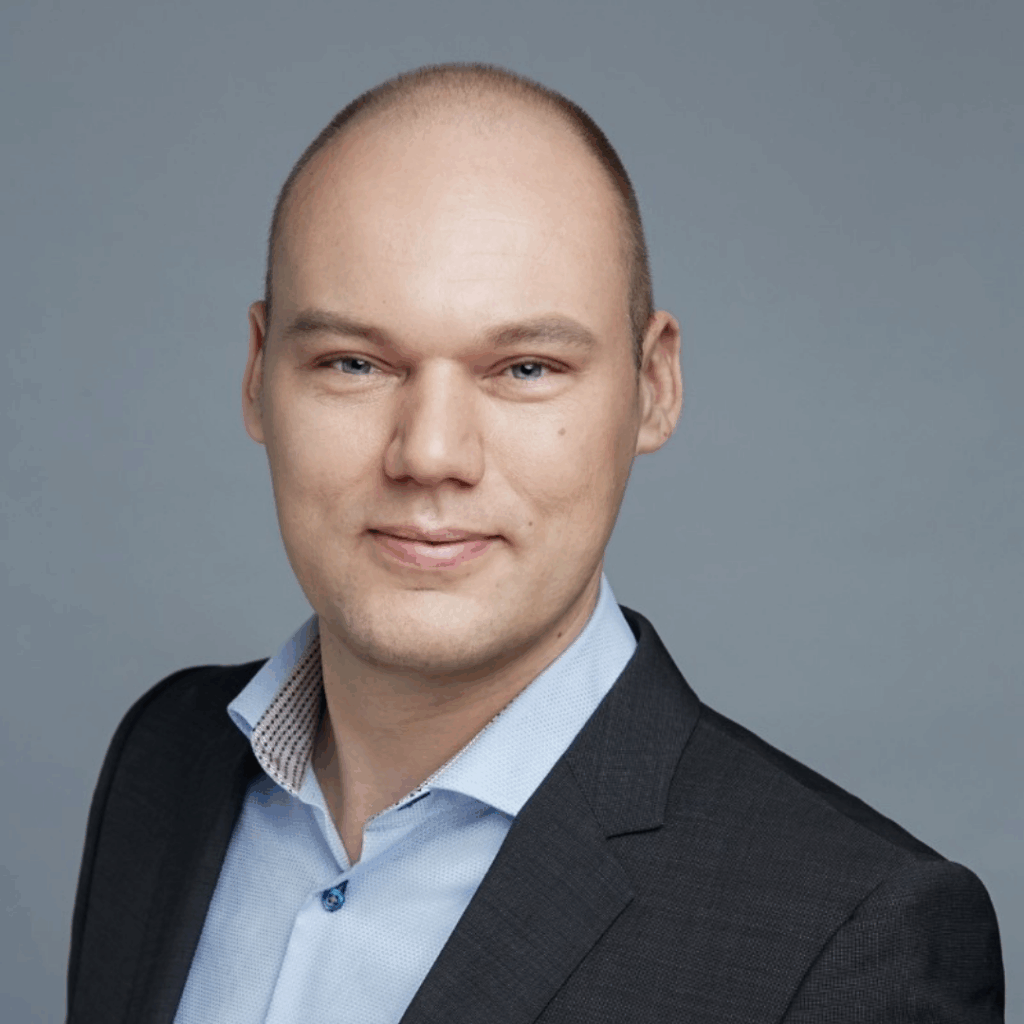
I used to run my business feeling like I was flying blind with the numbers. In this episode, I sit down with Rob from Finance Insight Matters, a fractional CFO who helps seven and eight-figure online businesses turn messy financials into real growth. We talk about the finance hierarchy of needs, simplifying accounting, and using AI the right way to make smarter decisions.
Rob shares his journey from elite banking to building clean tech ventures in China and the lessons he learned about keeping things simple, focusing on profit, and knowing when to double down or move on. He also gives practical advice on cleaning up your books, preparing your business for growth or exit, and why transparency with your CFO or accountant matters. If you want to finally get control of your finances and scale with confidence, this episode is for you.
Quotes:
“Accounting is too important to leave to accountants alone your business decisions depend on a clean, reliable source of truth.”
“Focus on what you can control. Simplify your finances, your systems, and your strategy and the possibilities for growth multiply.”
“In business, go all in or get out. Double down on what works, or redirect your time to what will actually succeed.
Resources:
Podcast: Play in new window | Download (Duration: 26:27 — 36.3MB) | Embed
Subscribe: Apple Podcasts | Spotify | Amazon Music | iHeartRadio | Podchaser | RSS
1558: Double Your Business Exit Without Debt or Equity with Marc Adams

From helping business owners “keep more of what they earn” to doubling their company’s value in months, Marc Adams is the expert founders call when they’re serious about exiting on their terms. As founder of Acquisitions for You and author of Secrets to 10X Your Business and Cashing Out Tax Free, he shows entrepreneurs how to avoid equity dilution, bypass debt, and maximize the payout from a sale. You’ll hear why most business owners leave 30–50% of their wealth on the table, how to prepare your company to be sellable without disruption, and why starting early is the key to keeping more of your legacy. Marc also shares how he turned personal adversity into a mission to help the “9 out of 10” business owners stuck in the broken system of exits.
If you’re an entrepreneur, founder, or business owner planning a future exit, this episode will help you think bigger, keep more of your hard-earned value, and start building a roadmap to a truly profitable sale.
Quotes:
“Most business owners leave half their payday on the table without even realizing it.” – Marc Adams
“You can double the value of your business without taking on debt or giving away equity.” – Marc Adams
“The real question isn’t what you sell your business for it’s how much actually goes in your bank.” – Marc Adams
Resources:
Podcast: Play in new window | Download (Duration: 31:44 — 43.6MB) | Embed
Subscribe: Apple Podcasts | Spotify | Amazon Music | iHeartRadio | Podchaser | RSS
1557: Poetry, Freedom, and 1970s Counterculture Life with WL Gertz
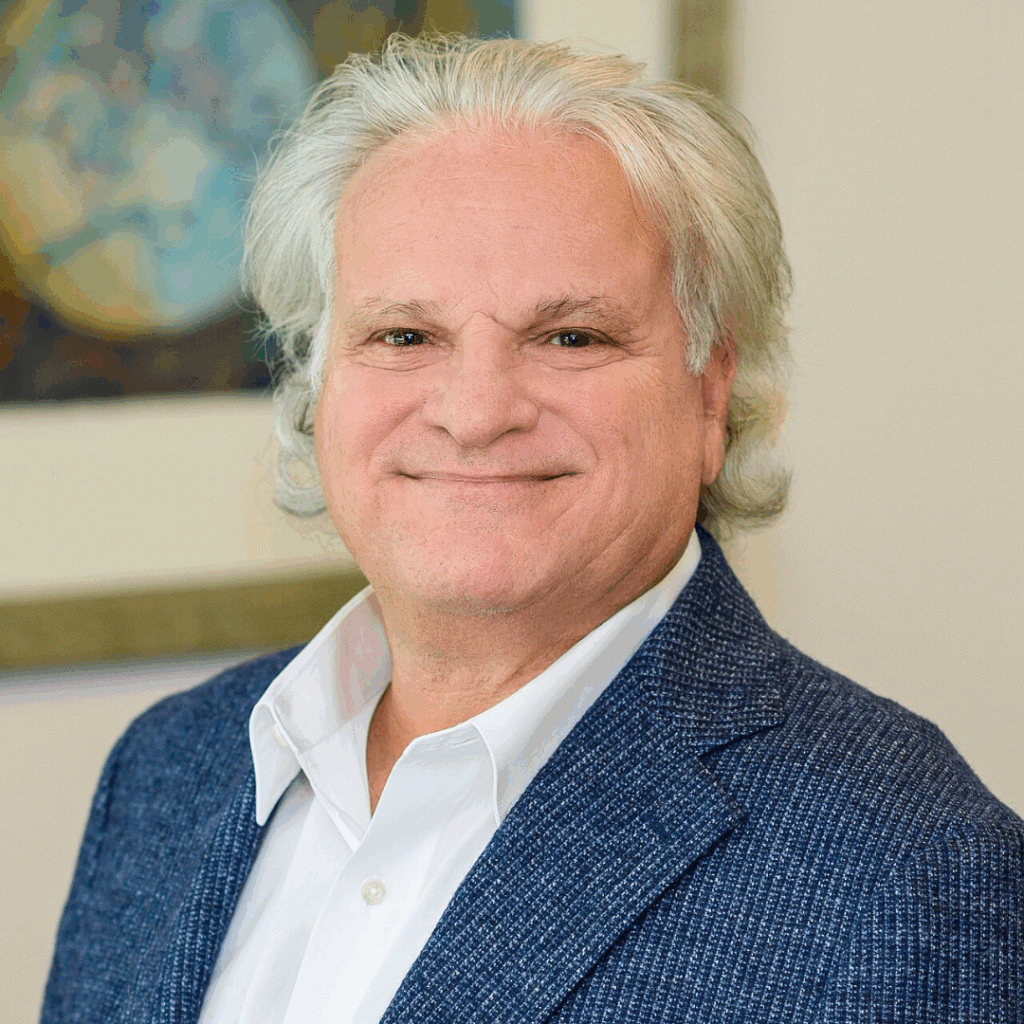
From shaping New York’s underground poetry scene in the 1970s to transforming travel, memory, and history into haunting verse, WL Gertz is the poet readers turn to when they want art that survives the moment. As co‑founder of Dreams magazine, he helped define the Beat generation ethos spontaneous writing, anti‑materialism, jazz rhythms, Eastern philosophy, and personal liberation. Decades later, he channels a lifetime of adventures into his two poetry collections, Broken Dreams and Land of Forgotten Fish.
You’ll hear how decades of global travel from sleeping in European hostels to attending Woodstock shaped his worldview, why travel is a confidence and character builder, and how stepping outside your comfort zone can expand your mind. WL also shares how the digital age is reviving interest in the Beats, making music, poetry, and art more accessible than ever. He reflects on what makes poetry “good,” how stream of consciousness writing captures the complexity of life, and why publishing fuels continued creativity.
Quotes:
“Travel is the ultimate teacher you leave as a boy and return as a grown man.”
“Poetry isn’t about being obvious; it’s about stirring the mind and surviving time.”
“If it feels good, do it life is too short for hesitation and regrets.”
Resources:
Podcast: Play in new window | Download (Duration: 24:02 — 33.0MB) | Embed
Subscribe: Apple Podcasts | Spotify | Amazon Music | iHeartRadio | Podchaser | RSS
1556: Stop Self-Sabotage and Take Control of Your Life with Mindset Coach Kevin Voisin
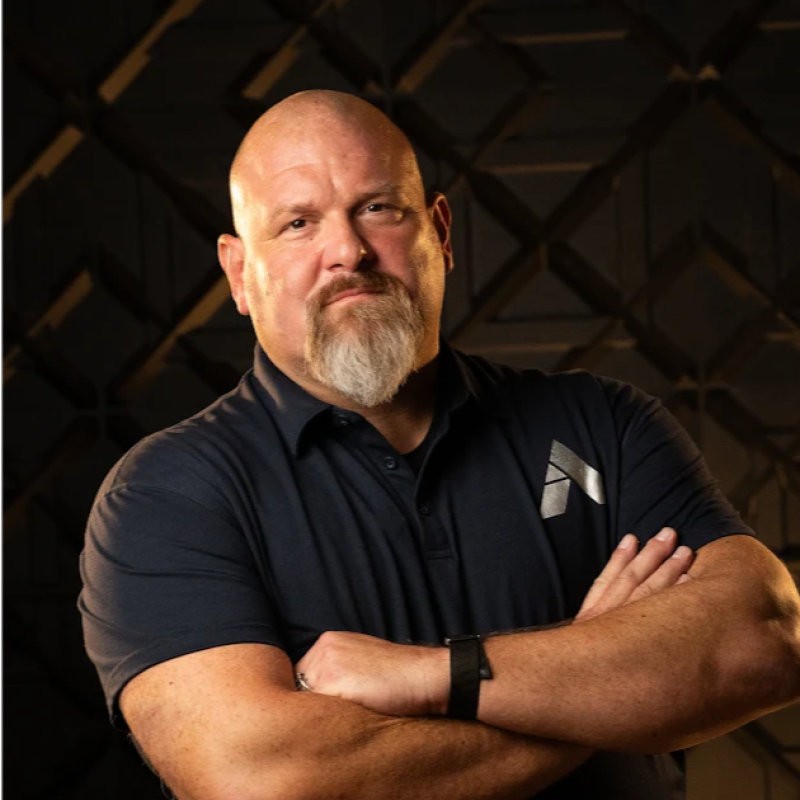
From waking up “sleeping giants” across five continents to building a new kind of school for the AI era, Kevin Voisin is the coach leaders call when their “mindset problem” is really a radical honesty problem. As Coach of Coaches and co‑creator of Apogee Strong micro‑schools, he shows entrepreneurs how to stop lying to themselves, break out of self‑sabotage, and operate as the force of nature they already are. You’ll hear why most “personal development” advice is fake, how to recognize when you’re at rock bottom and rock top, and why saying “I don’t know why this keeps happening” is almost always a lie. Kevin unpacks why perfection is a horizon you can never reach (but still need), how to live powerfully imperfect, and how to use AI as the “tractor of the mind” instead of a threat to your livelihood.
Kevin also shares how he thinks about parenting and education in a world where knowledge alone is no longer power only what you produce with it. If you’re an entrepreneur, parent, or emerging leader who secretly feels like an impostor despite your wins, this episode will help you reclaim choice, embrace discomfort, and build a life and business that match who you really are.
Quotes:
“You’re not a lost floatie in the ocean you’re a force of nature.” – Kevin Voisin
“Excellence is achievable. Perfection is a lie.” – Kevin Voisin
“Most people don’t have a self‑sabotage problem; they have a honesty problem with themselves.” – Kevin Voisin
Resources:
Podcast: Play in new window | Download (Duration: 26:20 — 36.2MB) | Embed
Subscribe: Apple Podcasts | Spotify | Amazon Music | iHeartRadio | Podchaser | RSS
1555: AI-Powered User Acquisition and Growth Strategy with Gilad Bechar

From helping scale global leaders like Google, Uber, TikTok, and Samsung to guiding high‑growth startups through user acquisition plateaus, Gilad Bechar is the strategist brands call when “growth problems” turn out to be strategy problems. As founder and CEO of Moburst, he breaks down how to stop spray‑and‑pray marketing, run truly data‑driven campaigns, and build acquisition engines that match real KPIs, budgets, and market dynamics. You’ll hear how AI, new discovery platforms like ChatGPT, Gemini, Perplexity, and Claude, and evolving user behavior are changing SEO, app growth, and performance marketing and how to adapt before your competitors do.
Gilad shares how Moburst audits a business, reverse engineers growth goals, and dissects competitor strategies, channels, creatives, calls to action, and languages to uncover what’s actually working in your niche. He explains when you should rebuild your website or app, when to lean into user‑generated content and TikTok communities, and how to safely leverage AI and automation without destroying trust or firing teams too fast. If you’re a founder, CMO, or growth leader, this episode will help you spot hidden opportunities, avoid costly mistakes, and design a marketing strategy that scales predictably.
Quotes:
“Most companies don’t have a growth problem they have a strategy problem.”
“Marketing works best when it’s brutally data‑driven and wildly creative at the same time.”
“If you’re still using yesterday’s playbook, don’t be surprised when your growth stalls tomorrow.”
Resources:
Podcast: Play in new window | Download (Duration: 31:05 — 42.7MB) | Embed
Subscribe: Apple Podcasts | Spotify | Amazon Music | iHeartRadio | Podchaser | RSS
1554: The Wishing Family, Genie Magic and Brave Hearts with Raine Bee
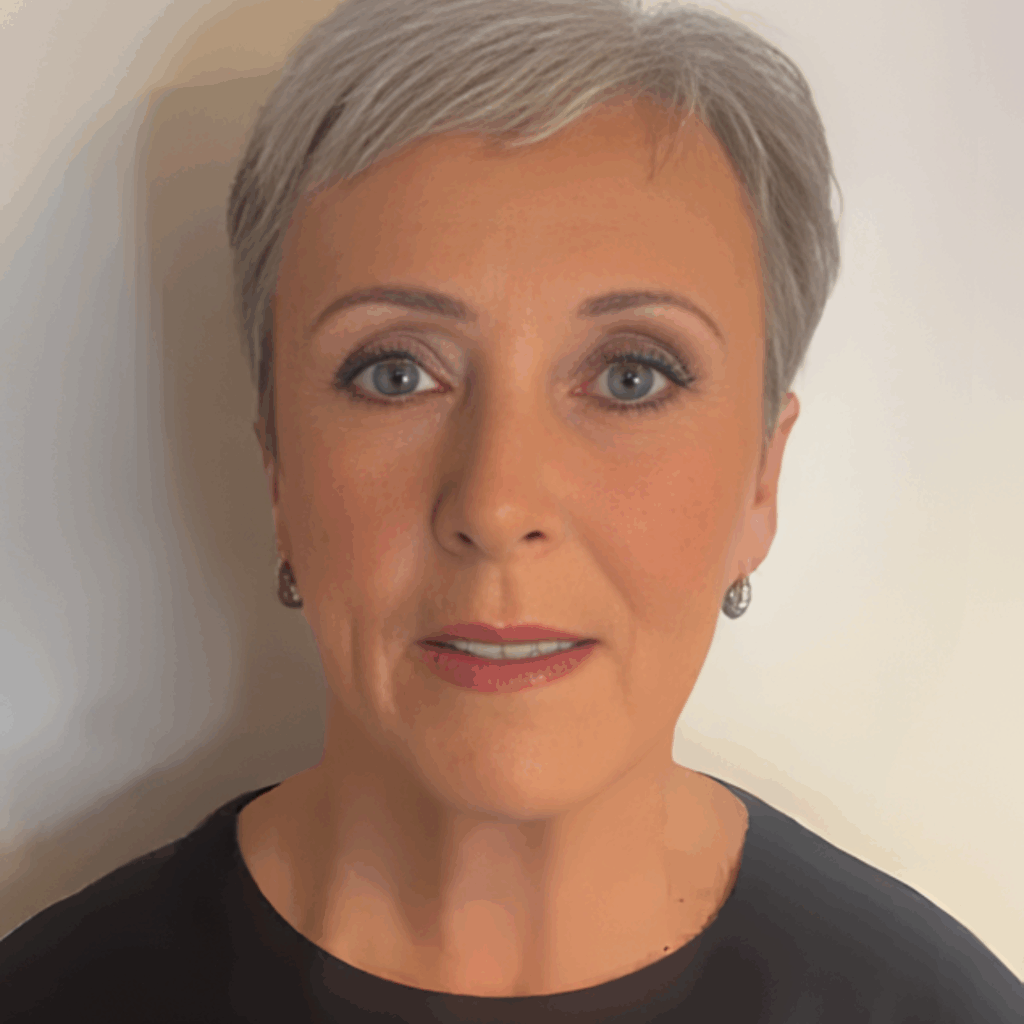
After decades of balancing demanding government work, family life, and responsibilities, Raine Bee finally gave herself permission to chase the dream she’d carried since childhood: becoming a children’s fantasy author. On this episode of Marketer of the Day, Raine shares the story behind The Wishing Family in Quest for Magic, a heart‑warming adventure about a family of genies who face danger together, support each other unconditionally, and prove that real magic is found in unity, love, and courage.
Raine reveals how classic tales like Sinbad, Aladdin, and Arabian Nights, her experiences with vibrant Asian weddings, and her love of colorful English landscapes inspired the book’s world. She explains how each member of the genie family has unique powers except Max, a changeling who must fight to reclaim his magic and save his family, and how those struggles mirror real‑life challenges kids face with emotions, communication, and belonging. She also opens up about retiring during lockdown, emailing her resignation from a sunny field, and turning that moment of freedom into the focus and confidence she needed to finish her book, write a sequel, and finally let her inner child lead the way.
Quotes:
“Age is just a number; your real age is the courage of your heart and the curiosity of your inner child.”
“Family isn’t only blood; it’s anyone who stands beside you in the dark and helps you find your way back to the light.”
“Children don’t just need magic on the page; they need the magic of knowing they can say ‘please help’ and be heard.”
Resources:
Podcast: Play in new window | Download (Duration: 21:43 — 29.8MB) | Embed
Subscribe: Apple Podcasts | Spotify | Amazon Music | iHeartRadio | Podchaser | RSS
1553: Soul Family Six The Chosen Series, Deep Pain, Revenge, and True Purpose with Ashley Hibbler
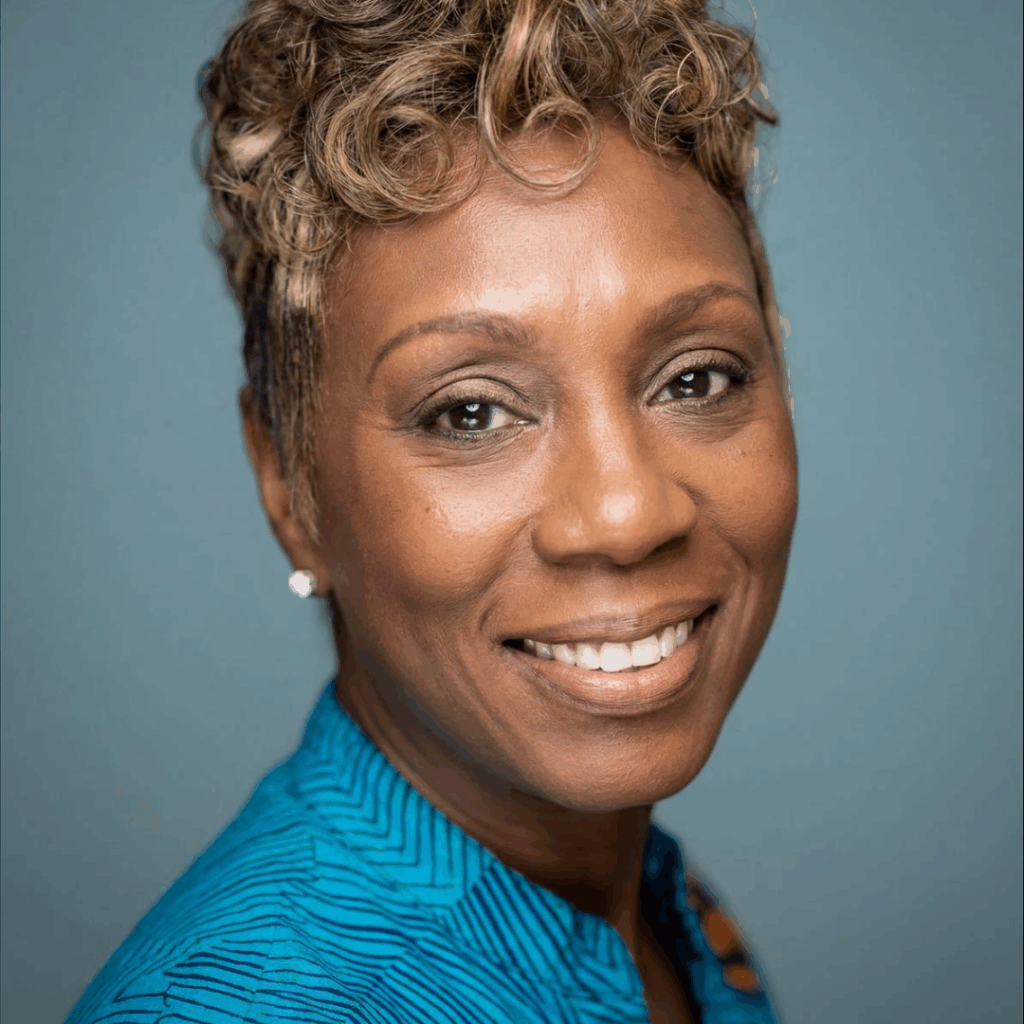
When author and singer Ashley Hibbler found herself surrounded by toxic relationships, silent competition, and spiritual upheaval, she turned it all into a story. On this episode of Marketer of the Day, Ashley shares how she transformed a lifetime of “frenemies,” heartbreak, and a profound spiritual journey into Soul Family Six: The Chosen Series, a multi‑generation, angel‑to‑human saga about revenge, protection, and finding your true purpose.
Ashley reveals how her childhood imagination, spending hours alone in a closet inventing characters and worlds, later became the blueprint for an epic four‑series universe. She explains how real people in her life inspired angelic characters like Ariel and Jermaine, how villains Lucifer and Lily embody revenge and ego, and why she chose fiction as a safer, more powerful way to process personal pain. Along the way, she talks about leaving a traditional job after her father’s passing, navigating a bumpy publishing experience, and launching a Book-to-Video and music channel on YouTube so readers can see and hear her world come to life.
Quotes:
“You can’t always control what people do to you, but you can always change the narrative of your life.”
“I stopped giving energy to drama and competition; the moment I did, I started creating the life I actually wanted.”
“Fiction lets me tell the truth about my pain without exposing anyone, turning toxic relationships into a story of protection, purpose, and healing.”
Resources:
Podcast: Play in new window | Download (Duration: 24:45 — 34.0MB) | Embed
Subscribe: Apple Podcasts | Spotify | Amazon Music | iHeartRadio | Podchaser | RSS
1552: Scale Your Hiring with AI Video Interviews and Digital Twin Recruiters with Lohith Naidu

When seasoned AI builder and inventor Lohith Naidu teamed up with a recruitment veteran, they created Hireko.ai, a “digital twin” recruiter that can see facial expressions, hear tone, and hold human‑like conversations with thousands of candidates at once. On this episode of Marketer of the Day, Lohith explains how Hireko helps enterprises move beyond identical, AI‑written resumes by running smart video interviews that reveal who candidates really are, not just what their CV says.
Lohith shares how his experience at Amazon, Microsoft, Roblox, and Bing prepared him to build ultra‑fast conversational AI and how his co‑founder’s 20 years in recruiting exposed the bottlenecks of traditional hiring. He also opens up about “micro sufferings," the long nights, overlapping full‑time work and startup life, and the mental strain of solving hard problems and how those struggles built the resilience behind Hireko. Looking ahead, he believes AI won’t replace humans, but that people who know how to use AI will replace those who don’t.
Quotes:
“AI isn’t here to replace humans; it’s here to amplify the humans who are willing to learn it.”
“Resumes are starting to look the same because AI writes them, real conversations and real faces are where the true differences show up.”
“Every late night, every hard problem, and every micro suffering compounds into the one thing no one can copy: your experience.”
Resources:
Podcast: Play in new window | Download (Duration: 28:23 — 39.0MB) | Embed
Subscribe: Apple Podcasts | Spotify | Amazon Music | iHeartRadio | Podchaser | RSS
1551: Church Hurt and Lifelong Bullying to Christ-Centered Mission and Redemption with Elizabeth McKinney
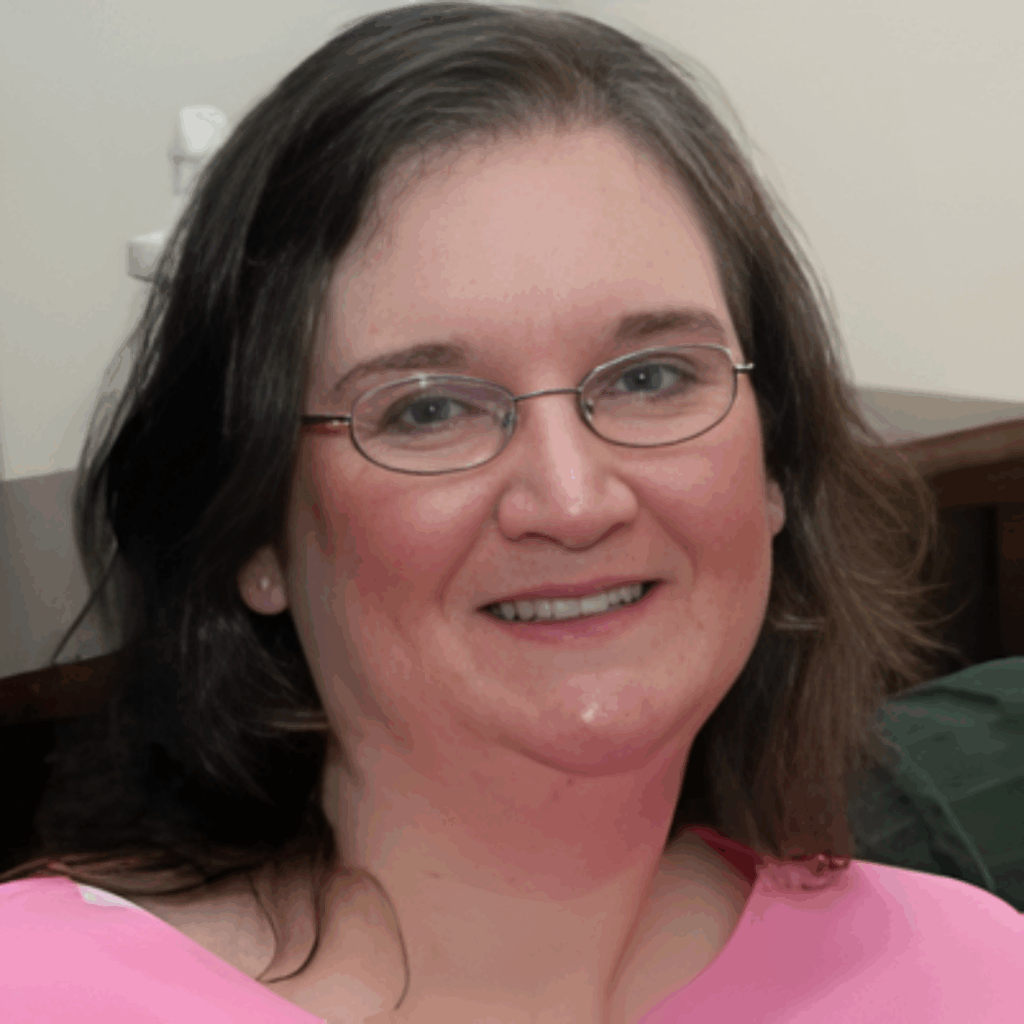
Most Christians don’t expect their deepest wounds to come from inside the church, but for Elizabeth Bennett McKinney, that’s exactly what happened. Bullied by fellow believers starting at age 12, with rumors spreading through two churches and three schools, she walked away from church, turned against God, and battled social anxiety, depression, and PTSD. In this episode, Elizabeth joins Robert Plank to explain why what many dismiss as “church drama” or “bullying” is actually abuse, how Satan, not other Christians is the real enemy, and how naming church hurt is the first step toward healing.
Elizabeth lays out what church hurt looks like in real life, emotional, mental, physical, and even sexual harm in Christian settings, and how gossip, slander, and unresolved conflict quietly tear congregations apart. You’ll learn how biblical conflict resolution (Matthew 18), unity, and refusing to join toxic conversations can stop problems from exploding, plus how Romans functions as “psychology 101, God style" for understanding human behavior. If you’ve been wounded by people in the church or struggle to trust again, this conversation will point you back to Scripture, clarify what really happened, and remind you that God’s plan is bigger than what tried to break you.
Quotes:
“What you call ‘church drama’ might actually be abuse, and naming it is the first step to healing it.”
“Church people hurt me, but Christ healed me. I left the building, but He never left me.”
“The real bully isn’t sitting in your pew; he’s whispering in your ear. Stop fighting each other and start fighting the enemy.”
Resources:
Podcast: Play in new window | Download (Duration: 28:07 — 38.6MB) | Embed
Subscribe: Apple Podcasts | Spotify | Amazon Music | iHeartRadio | Podchaser | RSS
1550: Kobo, Loma, and Building a Thought-Provoking Sci‑Fi World with Richard Allen

When a constitutional lawyer who once argued before the Supreme Court started wondering what humans would be like as pets fed and loved but stripped of language, culture, and community, he turned that question into an unforgettable sci-fi saga. Author Richard A. Allen joins Robert Plank to talk about Kobo and Kobo’s Children, a series where humans are kept as pets by towering reptilian aliens called Grobs, then forced into slavery on a distant mining world. Richard shares Kobo and Ra’s journey from obedient “pets” to leaders of a hidden human community; the mysterious teaching device that reignites lost human language and history; and the big questions behind it all: What really makes us different from our dogs? Would we accept everything without words to question it?
Richard also teases the upcoming third book, where Earth explorers discover these “pet humans” and bring them back to an Earth 40,000 years in the future thanks to near-light-speed travel and Einstein’s time dilation. If you’re tired of recycled space operas and want science fiction that actually asks something new, this conversation and series will scratch that itch, exploring power, identity, and humanity under alien suns.
Quotes:
“Take away our language, our history, and our culture, and what’s left is the question at the heart of Kobo: Are we still human, or just very clever pets?”
“Before you have words, you accept whatever happens to you. Once you learn to ask why, you can’t help wondering whether life could be different.”
“The Grobs may own the planet, the mines, and even our bodies, but the moment we remember our stories and our science, they no longer own who we are.”
Resources:
Podcast: Play in new window | Download (Duration: 26:49 — 36.8MB) | Embed
Subscribe: Apple Podcasts | Spotify | Amazon Music | iHeartRadio | Podchaser | RSS
1549: The Three Pillars of False Doctrine and God’s True Biblical Calendar with Don Roth and Sean Walsh

When lifelong churchgoers Sean Walsh and Don Roth dug deep into Scripture, original languages, and biblical chronology, they became convinced that much of mainstream Christianity rests on three major errors. In this episode, they join Robert Plank to unpack their book The Three Pillars of False Doctrine and explain why they believe the traditional Friday death / Sunday resurrection, the popular form of the Trinity doctrine, and the modern idea of church as a building or organization all fail the test of the Bible itself. Drawing on Don’s work creating a day‑by‑day Biblical calendar from Genesis forward and Sean’s “Unlock the Word” ministry, they walk through key passages on the Sabbath, the Godhead, and church, and show how translation choices and tradition have shaped what most believers assume is “just Christianity.”
Rather than asking anyone to join a new denomination, Sean and Don challenge listeners to be Bereans checking every sermon, creed, and holiday against Scripture. They discuss why Christ’s “three days and three nights” matters, how Ezekiel and Acts are commonly misread to support Sunday worship, and why knowing who the God of the Old Testament is changes how you read the entire Bible. If you’ve ever felt that certain doctrines didn’t quite add up, this conversation and the resources at UnlockTheWord.com and BiblicalCalendarProof.com invite you to put your traditions on the table and let the Bible speak for itself.
Quotes:
“If your timeline for Christ doesn’t fit three days and three nights, it’s not the Scripture that needs to move it’s your doctrine.” Don Roth
“Church isn’t a business or a building; Ecclesia is the people God has called out. If you think ‘church’ is a place you go on Sunday, you’ve already missed the context.” Sean Walsh
“When you finally read the Bible without defending your denomination, you discover how many ‘non‑negotiable’ doctrines collapse under the weight of Scripture.” Sean Walsh
Resources:
Podcast: Play in new window | Download (Duration: 0:34 — 803.3KB) | Embed
Subscribe: Apple Podcasts | Spotify | Amazon Music | iHeartRadio | Podchaser | RSS
1547: Overcoming Fear Divorce and Change by Trusting God’s Plan with Peggy Watrous Walters

When a four‑and‑a‑half‑year‑old girl terrified of the dark met Jesus as her “secret friend,” it set in motion a lifetime journey that would eventually become a book. Author and business professional Peggy Watrous Walters joins Robert Plank to share the story behind The Unexpected Journey: An Inspiring True Story, a short, powerful memoir about walking through life’s twists, turns, and detours with Jesus by your side. In this conversation, Peggy explains how her faith shaped her entrepreneurial and personal life, why she kept her relationship with Jesus hidden for decades even from her husband and how a devastating divorce finally pushed her to come “out of the closet” as a believer and boldly share her faith. You’ll hear how she sees God’s hand in daily “God stories,” why she believes we’re never truly alone, and how this book is meant to reassure anyone facing fear, uncertainty, or starting over that there is a bigger plan at work.
Instead of offering vague inspiration or sugarcoating hard times, Peggy talks candidly about fear, bad decisions, and the impatience we often feel when our prayers don’t get the answers we expect. She explains why faith doesn’t mean an easy life but a guided one how God often sends help through ordinary people (sometimes “angels” in human form), and why He wants a real, everyday relationship with us, not a “fair‑weather friend” arrangement. Peggy also shares her passion for evangelism, teaching children about Jesus through CEF, and supporting campus ministries through Florida Christians in Business, so that young people don’t drift away when life gets busy. Whether you’re a lifelong believer, someone quietly curious about faith, or just in need of hope in a confusing season, you’ll come away with a simple invitation: take Jesus with you, every day, everywhere you go.
Quotes:
“Faith doesn’t erase fear; it walks you straight through it with purpose.”
“Don’t just call on Jesus in a crisis take Him with you into every ordinary moment of your life.”
“If I had mapped out my own life, it never would have matched the journey God had planned and that’s the beauty of it.”
Resources:
Podcast: Play in new window | Download (Duration: 22:03 — 30.3MB) | Embed
Subscribe: Apple Podcasts | Spotify | Amazon Music | iHeartRadio | Podchaser | RSS
1548: God Made Me and You Couldn’t Break Me, A Powerful Memoir of Survival with Denise Devroe
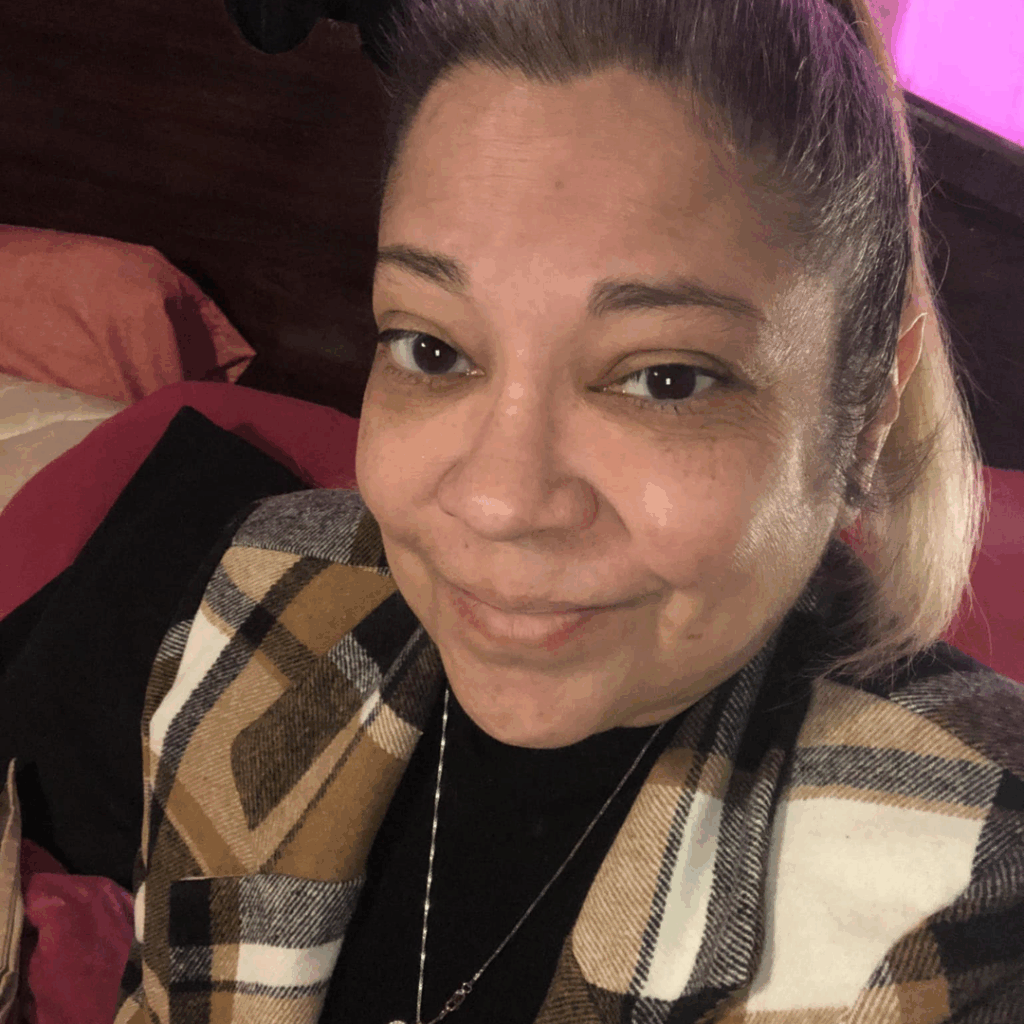
When a devoted wife and mother found herself trapped in a cycle of infidelity, violence, and fear shot at in broad daylight, run over by her own car, grieving her father’s sudden death she turned to the only constant she had left: God. Author and survivor Denise Devroe joins Robert Plank to share the story behind her powerful memoir, God Made Me and You Couldn’t Break Me, a raw, faith‑filled account of finding peace and strength after years of abuse and heartbreak. In this conversation, Denise opens up about living with a gambling, cheating husband, enduring physical and emotional trauma, and the moment she realized that praying wasn’t just for crises it had to become her way of life. She explains how daily prayer, morning and night, carried her through divorce, danger, and financial struggle, and how God’s protection over her and her children revealed there really is light after the darkest seasons.
Instead of glossing over the pain or pretending faith makes life easy, Denise speaks honestly about fear, confusion, and the long, messy process of leaving a toxic relationship. She shares how God answered prayers in His timing, not hers, how her children broke the cycle instead of repeating it, and why she believes you should never ignore the early red flags in a relationship. Denise also talks about the emotional challenge of reliving her story through a ghostwriter, the meaning behind her book’s title and tear‑and‑ripple cover, and her desire for readers especially those in abusive or unstable situations to know that God can still write a new chapter for their lives. Whether you’re in the middle of a storm, trying to rebuild after one, or simply needing a reminder that you’re not alone, this memoir and conversation offer a simple message: there is hope, there is healing, and God’s plan is bigger than what tried to break you
Quotes:
“You can break my heart, my body, my plans but you cannot break what God Himself has built inside of me.”
“Don’t wait for the crisis to pray. Stay prayed up in the sunshine so you’re not alone in the storm.”
“There is life after lies, after bruises, after betrayal there is light after the darkness, and God will walk you all the way there.”
Resources:
Podcast: Play in new window | Download (Duration: 1:23 — 1.9MB) | Embed
Subscribe: Apple Podcasts | Spotify | Amazon Music | iHeartRadio | Podchaser | RSS
1546: Financial Freedom for Young Adults with Steve Short & Mark Schlipman

When two college dads realized how little real-world money education their kids were getting, they didn’t complain they wrote a book. Financial advisor Steve Short and business owner Mark Schlipman met at a dad’s weekend and quickly bonded over a shared concern: most young adults are entering life with almost no financial foundation. In this episode, Steve and Mark share the story behind their “passion project” book, designed to give teens, college students, and young professionals a simple, step-by-step path to financial freedom without needing a financial advisor. You’ll hear how Steve’s experience as a fiduciary advisor shaped the book’s transparent, no sales approach, why they devoted two-plus hours every Monday for over two years to get it written, and how they built a framework parents can actually use to teach their kids about money.
Instead of shaming people for buying lattes or insisting on extreme frugality, Steve and Mark lay out a realistic system that balances discipline with enjoyment. They explain how to treat your personal finances like a business, schedule weekly “money meetings” with yourself, and set up savings habits that still leave about 30% of your income for fun. Along the way, Steve shares a personal wake-up call when his car payment was bigger than his mortgage and how that mistake reshaped his views on debt, goals, and delayed gratification. Whether you’re a parent wanting to pass on better money habits, a young adult just starting out, or someone who’s never had financial concepts explained simply, you’ll walk away with practical steps you can start implementing this week.
Quotes:
“Most people think young adults need a financial advisor. Our view? If you understand a few core principles and follow the steps, you can do this yourself.”
“We’re not here to latte, shame you. You can enjoy life and still hit your financial goals if you have a plan and stick to it.”
“Treat your personal finances like a business. Put time on the calendar every week to look at your numbers, your budget, and where the money is leaking.”
Resources:
- Mark Schlipman on LinkedIn
- Steve Short on LinkedIn
- The Simple Road Toward Financial Freedom on Amazon
- Visit The Simple Road Toward Financial Freedom Website
Podcast: Play in new window | Download (Duration: 25:16 — 34.7MB) | Embed
Subscribe: Apple Podcasts | Spotify | Amazon Music | iHeartRadio | Podchaser | RSS
1545: Financial Freedom with Finance Expert Justin Buonomo
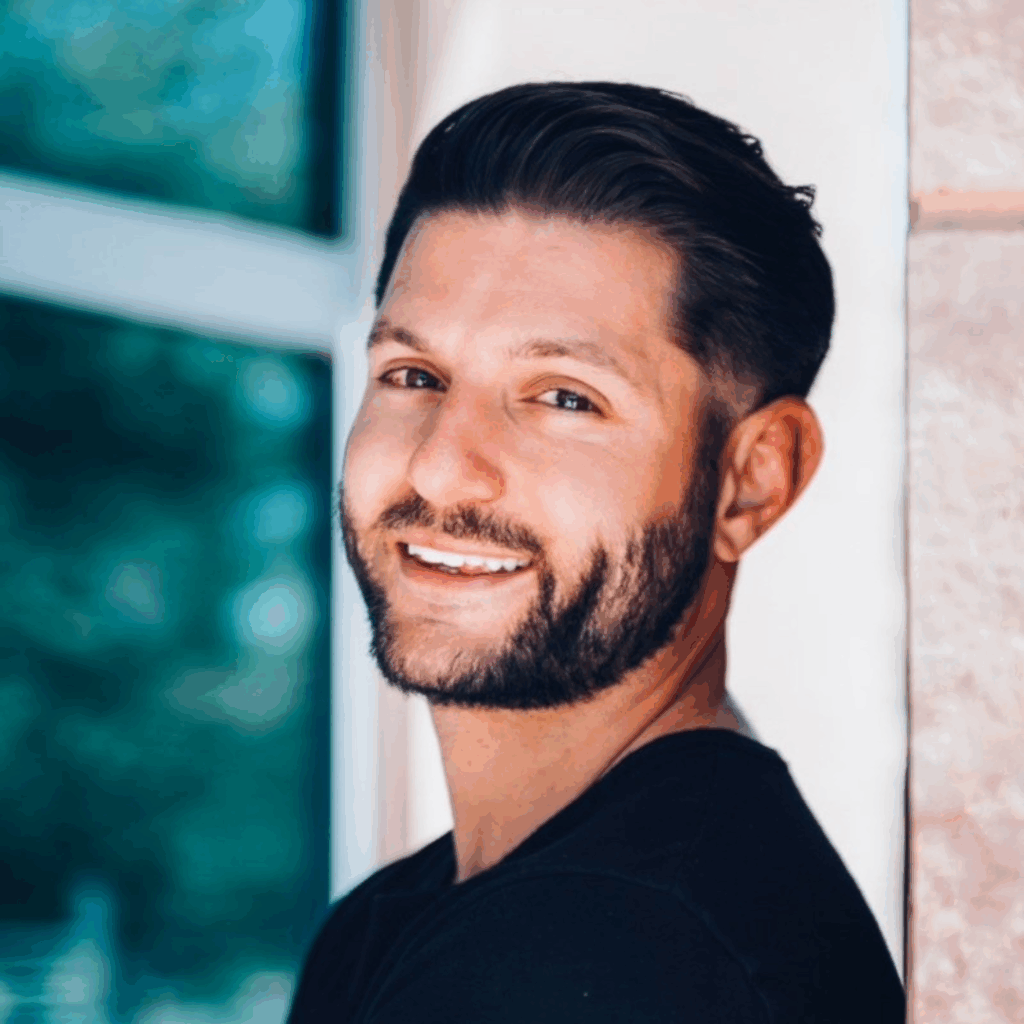
Growing up in a “make 100K, spend 110” household, Justin Buonomo watched money chaos tear his family apart two bankruptcies, cars repossessed, even losing the family dog when they lost their home. At 18, he received an $80,000 settlement from a childhood car accident… and promptly repeated the same patterns he’d seen modeled. That painful experience plus later work on the business side of Johns Hopkins Medicine set him on a decade-long quest to understand money through a different lens: biblical wisdom, proven financial strategy, and intentional stewardship. Today, Justin is the CEO and founder of Journey to Financial Freedom, where he and his team help faith-based individuals break generational cycles, heal money trauma, and step into a life that honors both God and their goals.
In this episode, Justin shares why budgeting is not punishment but the primary tool God can use to increase your freedom, options, and peace of mind when it’s taught the right way. He explains why most financial programs fail long-term: they try to “fix” behaviors without ever addressing the beliefs and subconscious programming formed between ages 7–10. You’ll hear how childhood experiences around scarcity, bankruptcy, or “rich people are bad” scripts keep showing up in your adult bank account, why “money is the root of all evil” is one of the most misquoted verses in the Bible, and how to align your finances with God’s heart instead of fear or greed. Justin also unpacks his Good Steward Program, the crucial role of accountability and community, and how mentorship can give you “wisdom without the wounds” in both personal finance and entrepreneurship.
Quotes:
“Finances that work take work. There’s no quick solution but when you’re taught by the right person with the right intentions, it doesn’t have to feel confusing or restrictive.”
“Your external wealth is just a reflection of your internal wealth. If you only manage behaviors and never heal the beliefs, the old habits always find their way back.”
“Money isn’t the problem. Greed and idolatry are. God calls us not to ignore money, but to steward it.”
Resources:
Podcast: Play in new window | Download (Duration: 27:54 — 38.3MB) | Embed
Subscribe: Apple Podcasts | Spotify | Amazon Music | iHeartRadio | Podchaser | RSS
1544: Amateur Moms Happily Ever After Motherhood Empty Nest Life and Grandkids with Renee Thomas Hawkley

Raising eight kids across six states and two countries gave Renee Thomas Hawkley a front-row seat to the beautiful chaos of family life. Now a grandmother and widow at 79, she’s still learning new lessons in love, loss, and letting her adult children “mother” her back. Author of “Once Upon an Amateur Mom” and the forthcoming “Amateur Moms Happily Ever After,” Renee shares honest, humorous stories that reassure overwhelmed moms that joy is still hiding in the mess. From heart‑shaped Valentine’s pizzas and allergy‑friendly family dinners to long‑distance group texts and quick check‑ins, Renee shows how simple acts of inclusion and thoughtfulness keep families close even when they’re spread across multiple states and seasons of life.
In this conversation, Renee and Robert explore the emotional shifts of aging and empty nesting, the reality that every child needs different rules, and the hard truth that you can’t fix everything but you can always offer love and kindness. Renee reflects on widowhood and the enduring influence of her late husband Dan, and closes by reading her moving piece “A Mother’s Creed,” a poetic reminder that motherhood links humanity’s past to its future. Whether you’re a mom in the trenches, an empty nester, or an adult child wondering how to better honor your own mother, you’ll come away with simple, practical reminders to invite, include, and reach out while there’s still time.
Quotes:
“You can’t fix everything for your children but you can always offer your love, your kindness, and the joy of having them close.”
“Every child is raised in the same home, but no two children are the same and sometimes love means giving them different rules.”
“At 79, I’ve learned that letting my children ‘mother’ me is not weakness; it’s the beautiful proof that family love has come full circle.”
Resources:
Podcast: Play in new window | Download (Duration: 30:44 — 42.2MB) | Embed
Subscribe: Apple Podcasts | Spotify | Amazon Music | iHeartRadio | Podchaser | RSS
1543: The Journey First Framework for Account-Based B2B Growth with Brent Keltner

From Stanford and the RAND Corporation to leading revenue teams in the commercial world, Brent Keltner, PhD, has spent his career decoding how complex B2B deals are actually closed. As founder and president of Winalytics, Brent helps mid-market and enterprise teams move beyond product pitching to true account-based growth. He’s the author of “The Revenue Acceleration Playbook” and the forthcoming “Journey First Marketing,” a book that challenges one of B2B’s biggest bad habits: obsessing over individual personas when companies actually buy in committees. In this episode, Brent reveals why traditional contact-focused marketing leaves so much revenue on the table and how to flip your entire go-to-market motion around a simple idea: accounts buy, personas don’t. You’ll hear how to design websites that speak to every member of the buying committee, why customer stories should be your #1 content asset (not #5), and how to connect product value, business value, and corporate value so that users, budget owners, and risk-averse stakeholders all see themselves in your message.
Brent also breaks down a practical roadmap for teams stuck in contact scoring and lead chaos. He explains how to use tools like ChatGPT on top of your CRM to spot real buying committees (not just random clickers or competitors snooping), how to build three aligned content streams for your core buyer types, and how to reuse a single customer story across your entire funnel, website, social, sales decks, and beyond. Whether you’re a CMO, CRO, founder, or product marketer, you’ll come away with a clearer picture of what true account-based enablement looks like in the real world and how a few smart changes can unlock faster, more predictable growth.
Quotes:
"Accounts buy. Personas don’t, and every part of your marketing should reflect that reality.”
“If your customers aren’t saying it consistently, it isn’t true, no matter how often your CEO repeats it.”
“Customer stories are the only asset that turn ‘me selling to you’ into ‘we solving a problem together.’”
Resources:
- Winalytics LLC
- Brent Keltner on LinkedIn
- The Revenue Acceleration Playbook: Creating an Authentic Buyer Journey Across Sales, Marketing, and Customer Success on Amazon
Podcast: Play in new window | Download (Duration: 27:45 — 38.1MB) | Embed
Subscribe: Apple Podcasts | Spotify | Amazon Music | iHeartRadio | Podchaser | RSS
1542: Profit Acceleration & Predictable Profit for Service-Based Entrepreneurs with Cardinal Business Advisor with Jane Parmel
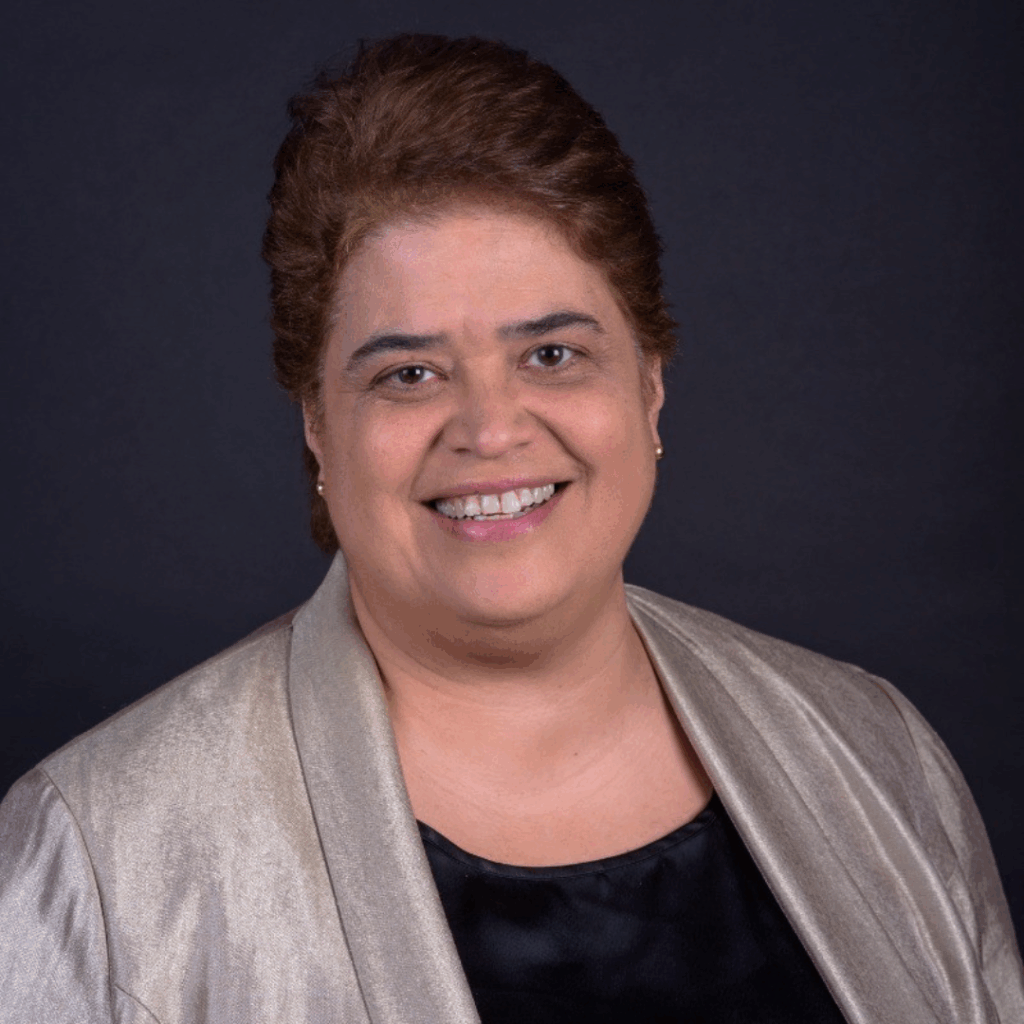
Service-based entrepreneurs often launch a business to do what they love, only to find themselves overwhelmed by tasks, burned out, and tied to operations they never planned for. In this episode, profit acceleration strategist Jane Parmel joins Robert Plank to explain why the real job of a business owner isn’t “doing the work” but leading the business. Drawing from her journey from teacher to children’s party center owner to coach, Jane unpacks how over-involvement, emotional attachment, and fear of delegation quietly destroy profit, stall growth, and keep owners stuck in the business instead of working on it.
Jane explains why mindset is the first system you must fix, from the belief that “no one can do it as well as me” to the dangerous comfort of “we’ve always done it this way.” You’ll hear how to step into the role of observer instead of constant doer, empower employees to take ownership, and design operations that support clarity, confidence, and cash flow. If you’re overwhelmed, short on time, and tired of your business depending on your every move, this conversation will show you how to embrace change, build structure, and finally create a business that serves your life, not the other way around.
Quotes:
“The moment you stop doing everything yourself and start leading your business, you stop surviving and start growing.”
“If you’re the most expensive person in the company, you can’t afford to be doing the cheapest tasks.”
“Your business will only grow to the level you’re willing to delegate, document, and let other people win with you.”
Resources:
Podcast: Play in new window | Download (Duration: 23:13 — 31.9MB) | Embed
Subscribe: Apple Podcasts | Spotify | Amazon Music | iHeartRadio | Podchaser | RSS
1541: LinkedIn Sales Outreach & Lead Generation Using Skoop AI Video Messages with Troy Hipolito

Tired of random, low-quality LinkedIn calls or no calls at all? In this episode, Troy Hipolito (a.k.a. the “Not So Boring LinkedIn Guy” and former Swiss-Filipino gamification designer) breaks down how he helps B2B and service-based businesses turn LinkedIn into a consistent pipeline of vetted, high-value meetings. After agency work with Fortune 500 brands dried up, Troy reinvented his business using LinkedIn, combining “slow dating” relationship-building with tight systems and clear daily workflows. The result: a predictable process that leverages videos, content, events, and smart follow-up instead of spammy cold pitches and random hustle.
Troy reveals the exact framework behind Skoop, his Chrome extension and dashboard, which boosts first-message-to-booked-meeting conversions from ~3% to 21%, a 6x improvement, using short, raw, hyper-personalized videos embedded directly in LinkedIn DMs. You’ll learn how to fix a “jacked up” profile that repels your ideal clients, why you only really make money on LinkedIn in two places (content and DMs), how to structure free/low-ticket/high-ticket offers that feed each other, and how to use VAs, SOPs, and repeatable systems so you only spend 30 minutes a day recording videos while your backend runs like a machine. If you want more (and better) meetings without turning LinkedIn into a full-time job, this conversation gives you the blueprint.
Quotes:
“There’s no single silver bullet. The core is providing value, but you have to distribute that value across multiple channels.”
“LinkedIn is not a Facebook marketplace. It’s a networking domain. It’s about building real relationships, not just ‘buy my stuff.’”
“We took that first LinkedIn message from about a 3% conversion to 21%, not to a reply, but to a vetted booked meeting.”
“People don’t read; they scan. Anything more than three lines is too much. That’s why the message has to be context, content, context.”
“Slow down and ‘slow date’ your clients. The sooner you realize you’re not a fit, the sooner you can move on with clarity.”
Resources:
Podcast: Play in new window | Download (Duration: 36:09 — 33.1MB) | Embed
Subscribe: Apple Podcasts | Spotify | Amazon Music | iHeartRadio | Podchaser | RSS
1540: Run Better Zoom Meetings: POPRA Planning, Handling HIPPOs, and High-Stakes Virtual Facilitation with Evan Unger
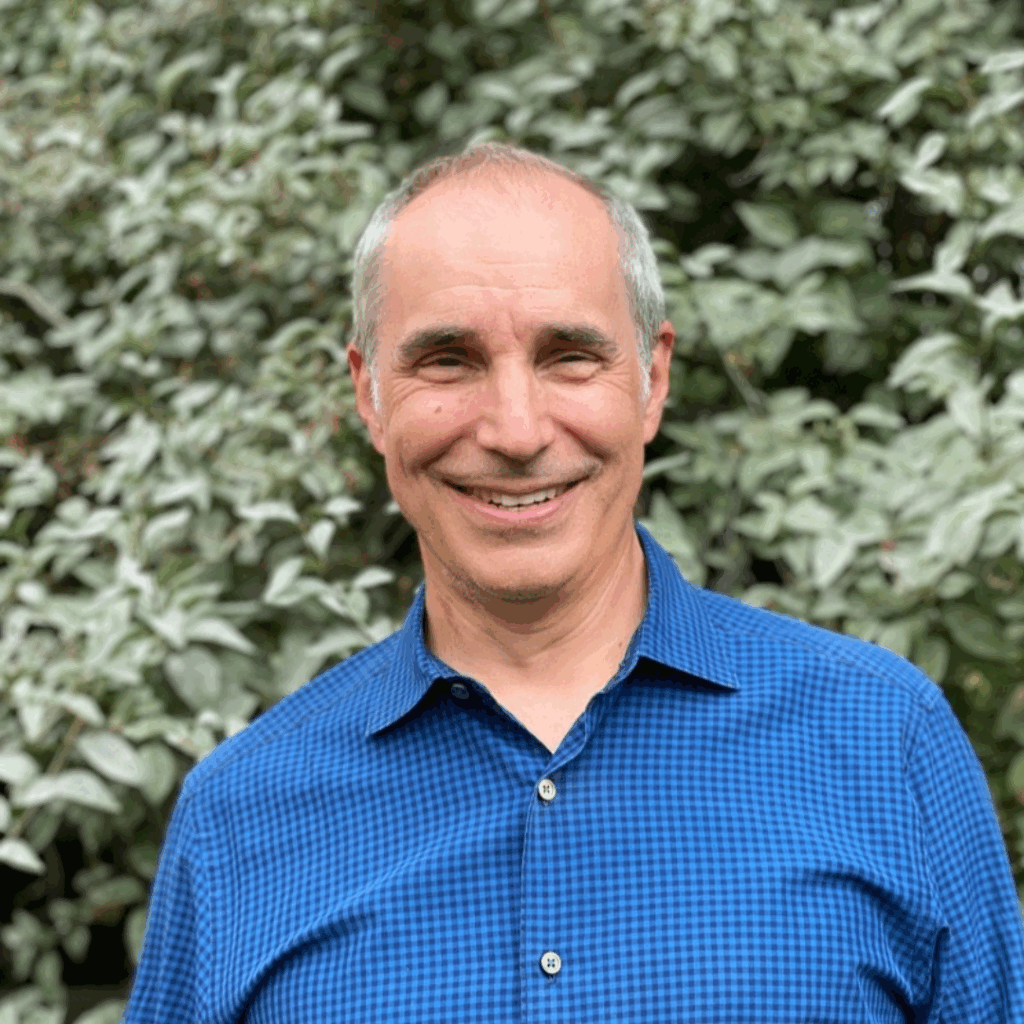
Evan Unger is a recognized expert in organizational change, leadership development, and collaborative facilitation. With decades of experience consulting for major enterprises, including large pharmaceutical companies and insurance organizations, Evan specializes in transforming workplace culture by empowering change agents at every level. His approach moves beyond traditional training, focusing on deep, practice-based skill transfer to foster genuine collaboration, reduce bureaucracy, and maximize meeting effectiveness.
In this episode of Marketer of the Day, Evan Unger joins Robert Plank to discuss the art (and science) of running effective, high-stakes meetings. Evan reveals why most meetings are a microcosm of organizational dysfunction and how targeting meeting culture can boost company-wide productivity. Discover the “five fundamentals” for collaborative leadership, learn how to handle challenging personalities (including the “HiPPO” dynamic), and hear why real transformation starts with top-down engagement and extensive practice, not just passive training videos. Tune in for actionable strategies to reclaim time, drive better decisions, and create a culture of buy-in from the very first meeting.
Quotes:
“The fastest way to transform your company’s culture is to change the way you lead meetings because every meeting is a window into your organization’s soul.”
“Real leadership isn’t about having all the answers. It’s about creating space for every voice and guiding your team to believe, ‘We did this ourselves.’”
“You can’t shift a culture with information alone. Transformation happens when leaders show up, practice together, and model the behaviors they want to see.”
Resources:
Podcast: Play in new window | Download (Duration: 30:36 — 42.0MB) | Embed
Subscribe: Apple Podcasts | Spotify | Amazon Music | iHeartRadio | Podchaser | RSS
1539: AI, PR, and Media Visibility for Founders with Gloria Chou

Gloria Chou is an award-winning small business PR expert recognized for revolutionizing media visibility for overlooked founders, especially women and minority entrepreneurs. As the creator of the “CPR” pitching method and a fierce advocate for leveling the PR playing field, Gloria leverages free AI tools to help brands break through traditional barriers without a budget or gatekeepers. She’s on a mission to help product-based businesses get featured in mainstream media, build credible backlinks, and earn trust in the age of AI-driven search.
In this episode of Marketer of the Day, Gloria Chou joins Robert Plank to explore the dramatic shift from traditional SEO to AI-powered recommendations for brands. Gloria reveals why being seen by large language models (like ChatGPT and Perplexity) is now more important than ever and shares actionable steps for founders to get featured in podcasts, editorial articles, and gift guides. Tune in to learn about leveraging real-time AI tools for competitive research, media pitch creation, and maximizing content repurposing, plus the “one window of opportunity” founders cannot afford to miss.
Quotes:
“If you’re not being recommended by AI, if ChatGPT, Perplexity, or Gemini aren’t mentioning you, then to today’s shoppers, you’re invisible. Media coverage is now your strongest trust signal.”
“Right now is a once-in-a-generation window for founders; you don’t need a massive budget or thousands of followers. Small brands finally have the chance to compete with giants, if you act before the algorithms choose their favorites.”
“AI is rewriting the rules of marketing. It’s not about stuffing websites with keywords but about building credible backlinks and getting your story told. Thoughtful pitches and real coverage are what move you forward.”
Resources:
Podcast: Play in new window | Download (Duration: 24:15 — 33.3MB) | Embed
Subscribe: Apple Podcasts | Spotify | Amazon Music | iHeartRadio | Podchaser | RSS

